The construction documentation phase is where designs become buildable. After schematic design and design development, this stage translates creative vision into precise, technical instructions for contractors. Strong construction documentation keeps projects on time, on budget, and true to design intent, making it the stage in the architectural process with the highest stakes, especially when you consider that construction documents function as legal documents.
Let’s get into what you need to know about the construction documentation phase.
WHAT IS CONSTRUCTION DOCUMENTATION?
Construction documentation, often abbreviated “CD,” is the phase in a project where design concepts are translated into detailed technical drawings and written specifications. These documents define the materials, dimension, and procedure needed to build the project. Construction documentation helps contractors, engineers, and clients share a unified, precise understanding of the design before construction begins.
WHY IS CONSTRUCTION DOCUMENTATION SO IMPORTANT?
In addition to being a technical requirement for constructing a building, construction documents serve as a legal record. The drawings and specifications produced during this phase form part of the contractual agreement between the architect, client, and contractor. These documents define what is to be built, how it must perform, and who is responsible for what. If the drawings contain errors, omissions, or unclear instructions that lead to construction issues, the architect can be held legally liable for resulting costs, delays, or damages.
Accurate construction documentation is, of course, essential to controlling quality and schedule. Clear, coordinated drawings help prevent miscommunication, reduce costly on-site changes, and notate compliance with building codes and regulations. In essence, effective documentation bridges the gap between design intent and physical execution, protecting both the architect’s vision and the client’s investment.
THE CONSTRUCTION DOCUMENTATION PROCESS: WHAT HAPPENS DURING CONSTRUCTION DOCUMENTATION?
During the construction documentation phase, architects and consultants produce a complete set of technical documents that guide the build. Typical steps in this phase include:
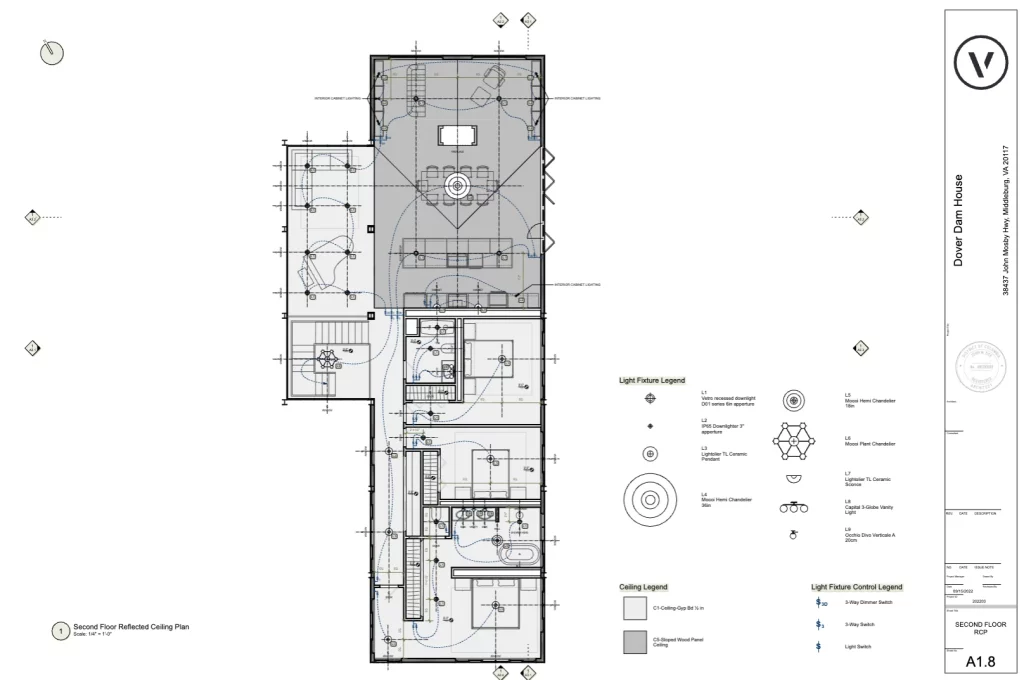
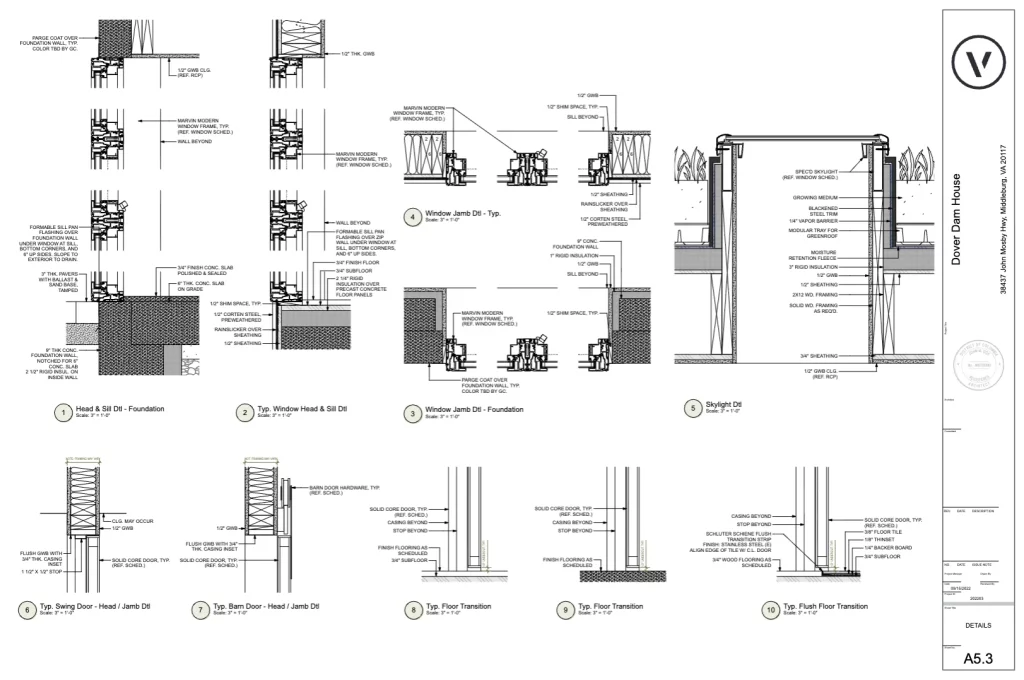
Detailed drawings: Plans, sections, elevations, and installation details showing how components connect and materials interface.
Specifications: Written standards outlining materials, finishes, performance criteria, and workmanship requirements.
Coordination: Integration of structural, mechanical, electrical, and plumbing systems to eliminate conflicts.
Code compliance checks: Ensuring all drawings meet local building codes, accessibility standards, and safety regulations.
Review & quality control: Iterative checking and refinement before issuing “Issued for Construction” sets.
CONSTRUCTION DOCUMENTATION TIPS & TRICKS
Strong construction documentation comes down to organization, coordination, and precision. Here are a few tips to keep in mind for putting together construction documents:
- Keep your drawings and files structured with clear naming conventions and strict version control. Small administrative details prevent big errors later.
- Coordinate with consultants early and often to resolve design conflicts before they appear on site.
- Ambiguity is the enemy of accuracy, so spell out materials, connections, and tolerances in exact terms rather than leaving them open to interpretation.
- Make the most of a BIM workflow from the very start of a project. Working with smart, parametric geometry allows you to easily extrat information for drawing sets.
- Finally, establish a robust internal review process before issuing every drawing. A disciplined quality check can catch inconsistencies, unclear notes, or outdated references that could otherwise lead to costly rework.
HOW VECTORWORKS ARCHITECT SPEEDS UP CONSTRUCTION DOCUMENTATION
Creating construction drawings has traditionally been one of the most time-consuming parts of an architecture project. Using Vectorworks Architect and a building information model (BIM) makes this whole process faster and smoother with a set of tools that set you up to produce detailed, accurate drawings.
Sections and Elevations
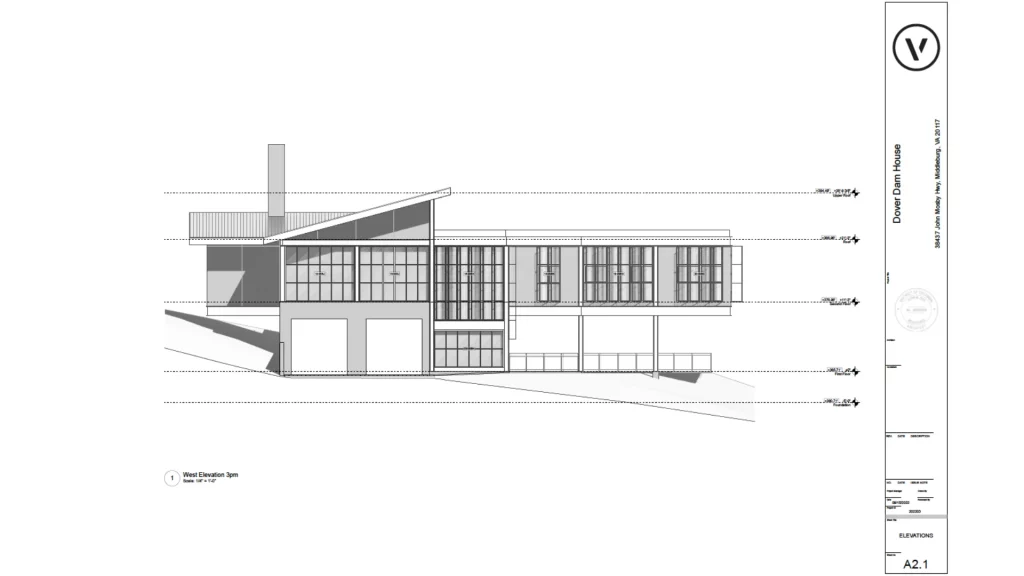
Instead of redrawing every view, you can use viewports to create plans, sections, elevations, and details straight from your model. Once the view is set, it’s easy to adjust materials, add hatches, and drop in annotations right on the sheet. You can control how elements look, show or hide details, and manage line weights in every viewport.
Smart Drawing Coordination
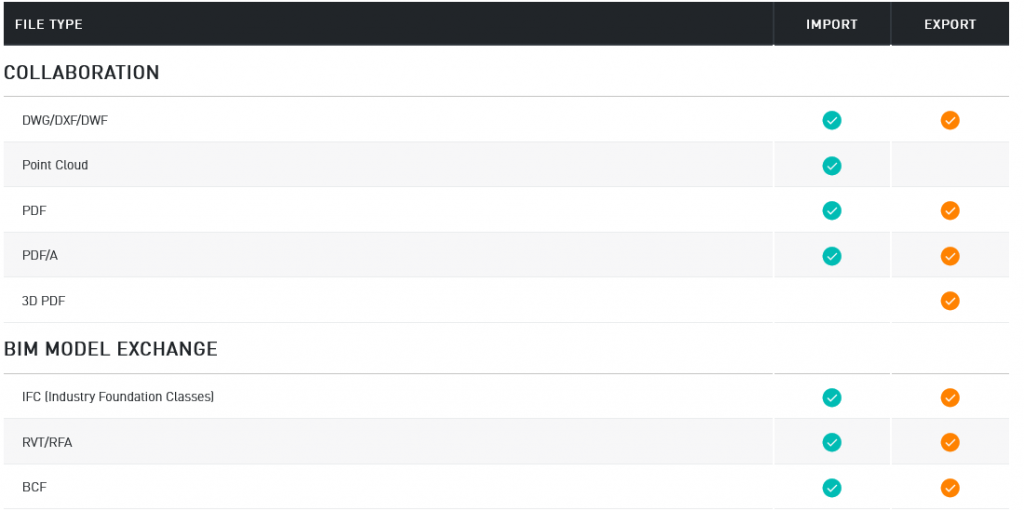
Smart markers are a small but powerful feature. They link your drawings together: for example, clicking a section marker jumps straight to that section’s sheet. If you move a drawing or renumber it, the markers update automatically. Even when you export to PDF, those links still work, which makes navigation a breeze for anyone reviewing the set.
Data Tags
Data Tags save a ton of time labeling objects like windows, doors, or finishes. Each tag pulls live information from your model, so when something changes, your notes stay up to date automatically. It’s a simple way to keep documentation accurate without constant manual edits.
Title Blocks
The Title Block Border tool goes way beyond static text. It manages key project info like the address, drawing name, revisions, and sheet data, and it updates across every sheet at once. You can also customize the layout and add your own branding or extra info, keeping everything consistent and professional.
Coordination & Quality Control
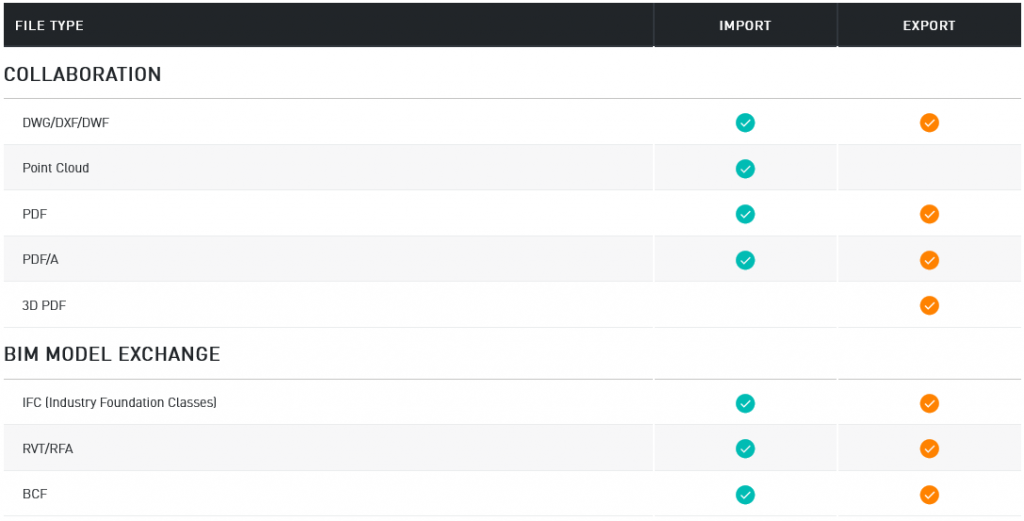
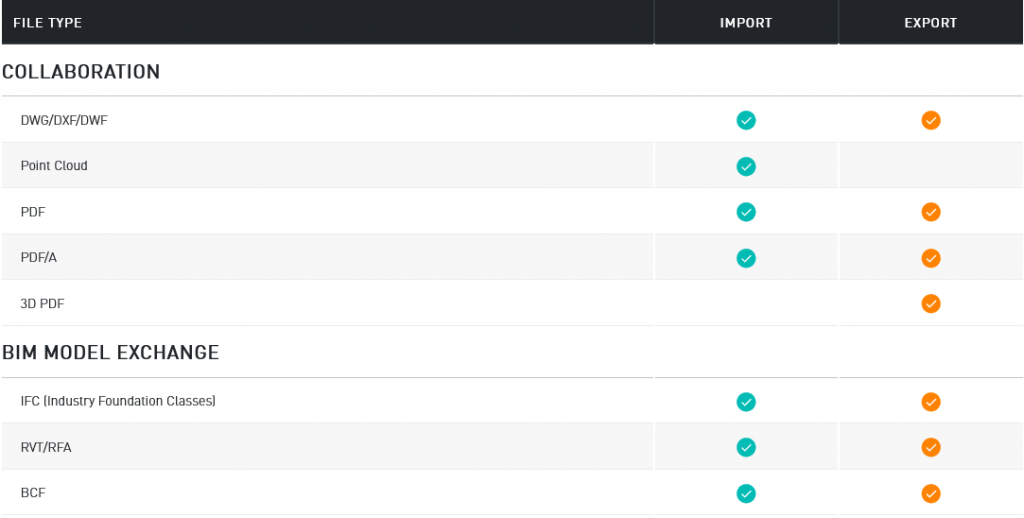
Effective coordination and quality control come from multiple layers of internal review. Teams traditionally relied on red-lined hand markups, but Vectorworks streamlines this process with the Redline tool, Cloud Document Reviewer, and a Bluebeam Studio integration. These features make it easy to track comments, resolve discrepancies, and keep drawing updates transparent across the team. For BIM-driven projects, Vectorworks also supports deeper coordination through clash detection and issue management using BIM Collaboration Format (BCF) workflows.
Publishing and Cloud Services
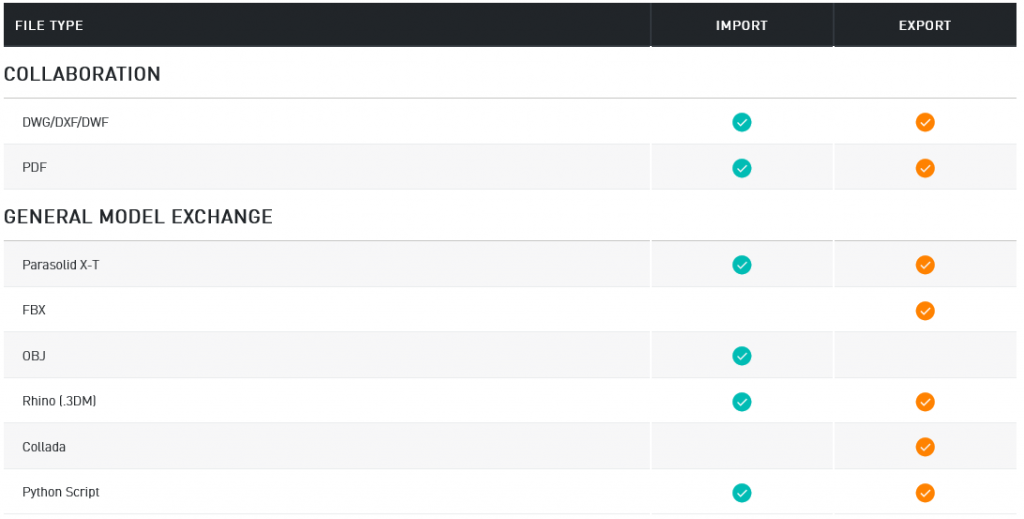
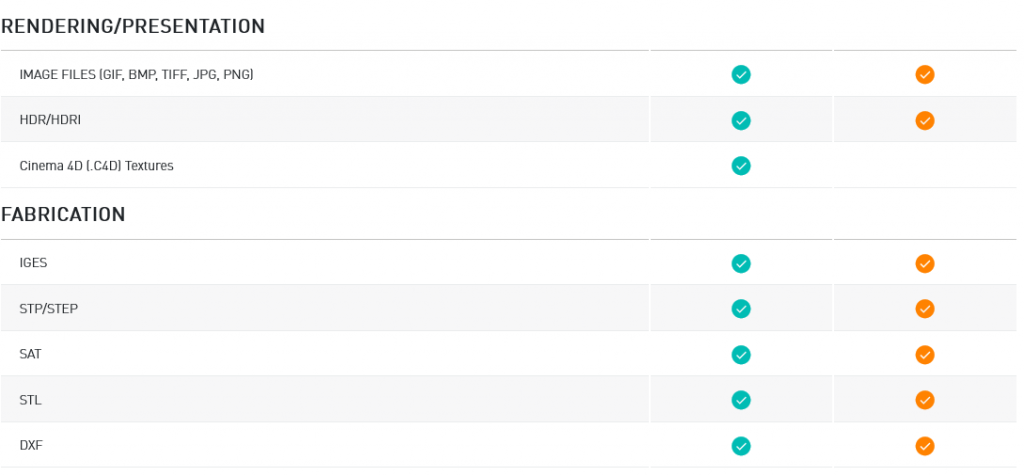
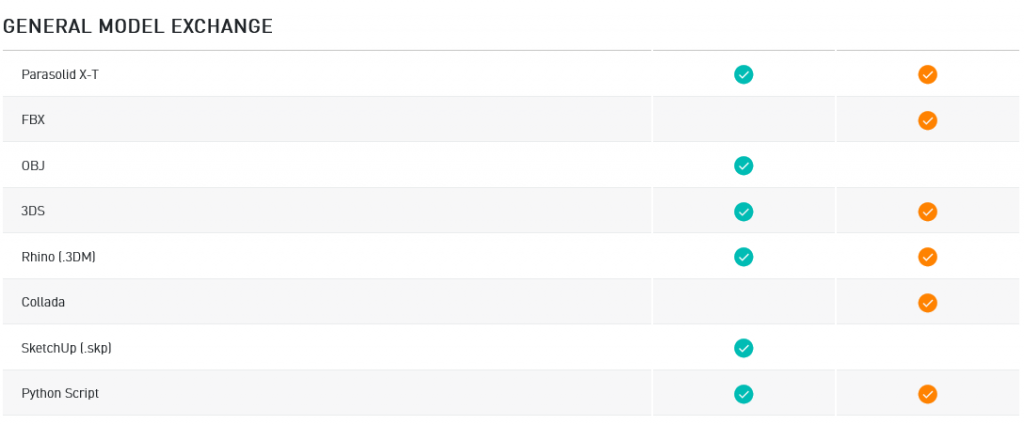
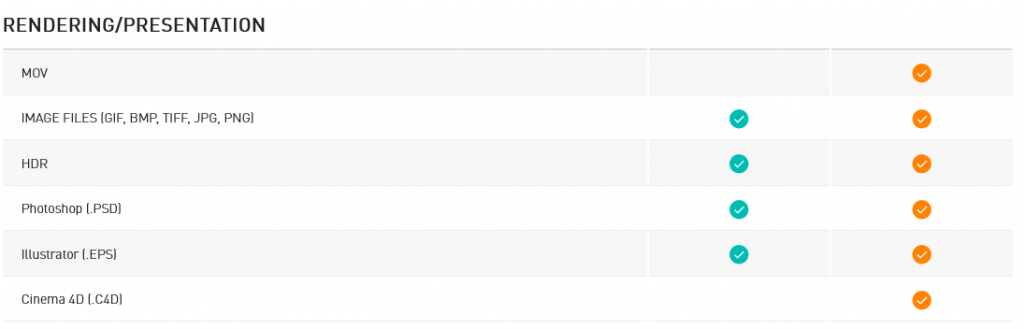
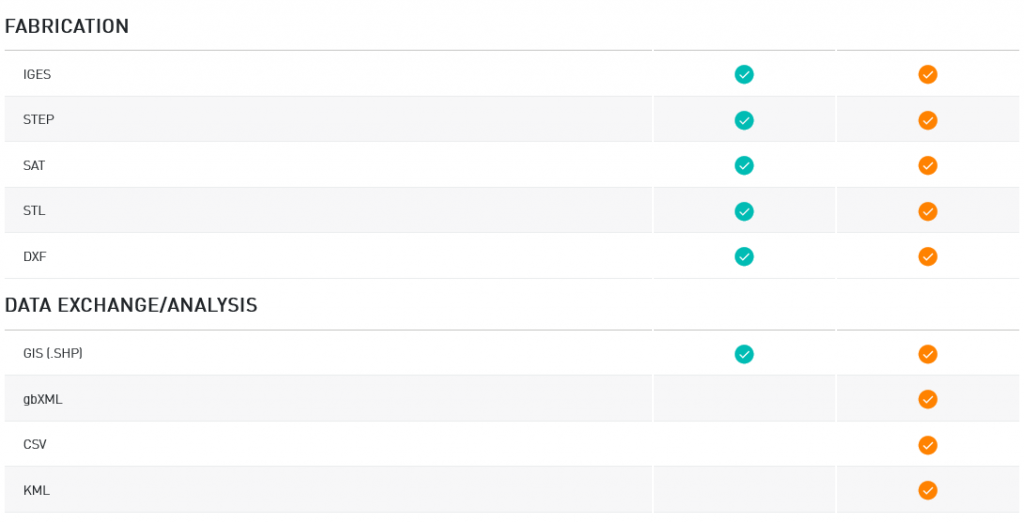
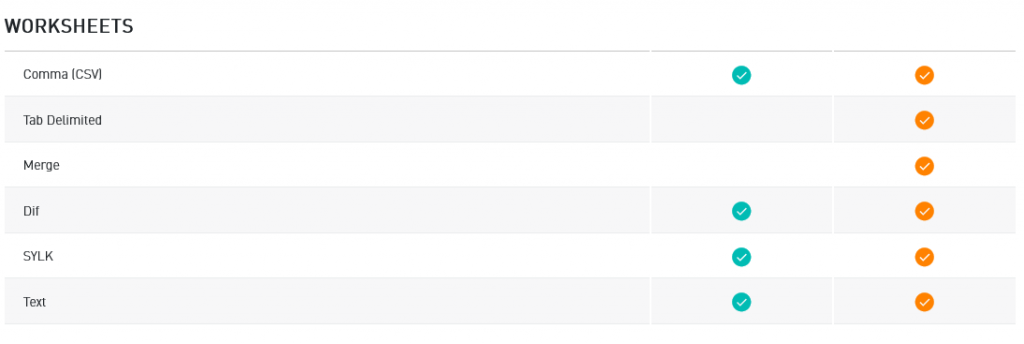
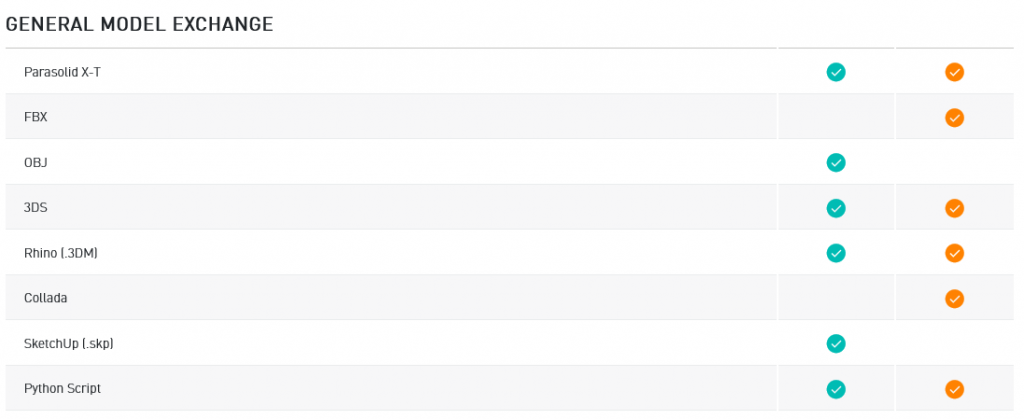
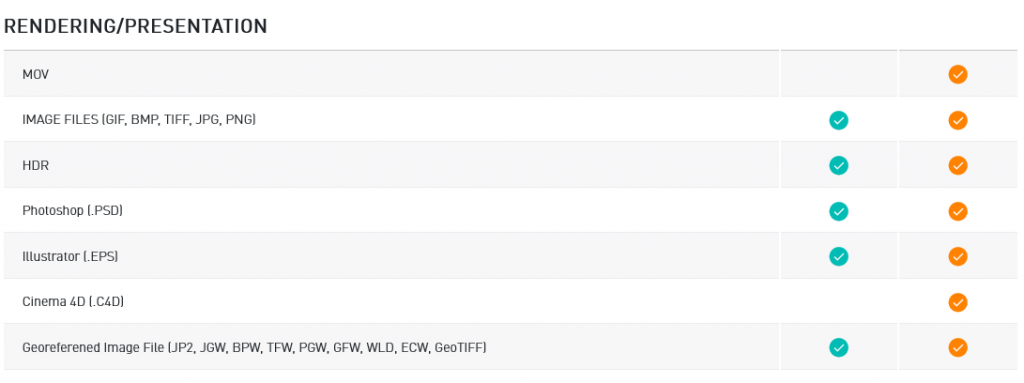
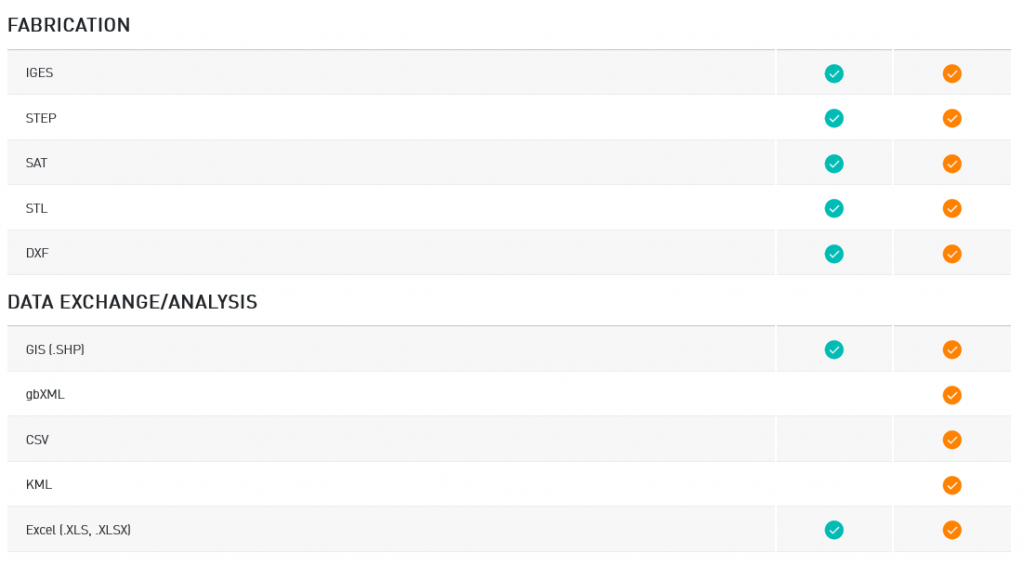
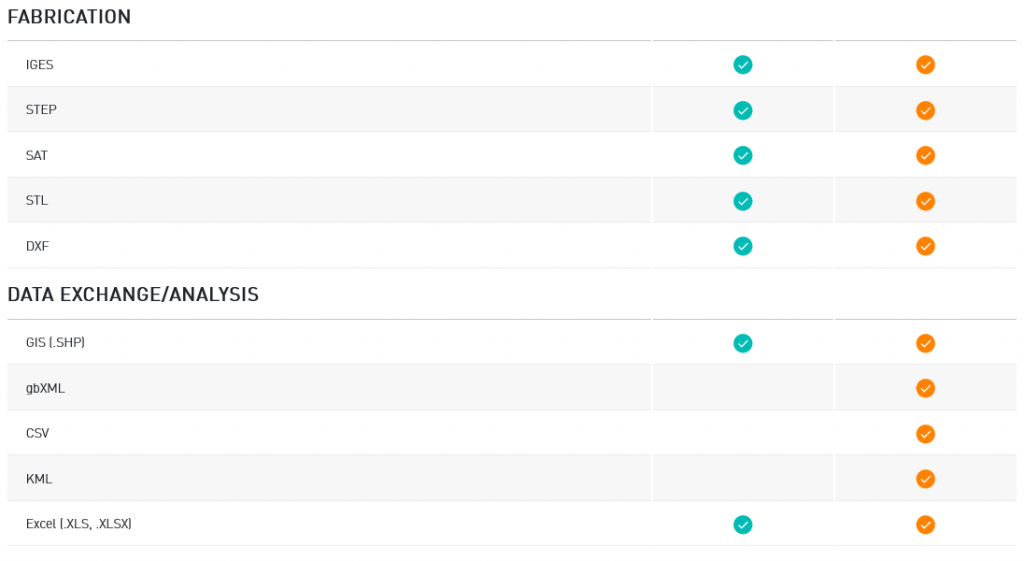
When it’s time to share your drawings, the batch publishing feature lets you export multiple sheets or file types (PDFs, DWGs, and more) all at once. You can even offload the heavy processing work to Vectorworks Cloud Services, so while the Cloud handles publishing or rendering, you can keep working.
The bottom line: Vectorworks Architect takes a lot of pain out of producing construction documents. With smart coordination, live-linked data, and cloud-powered publishing, you spend less time managing drawings and more time designing without limits.