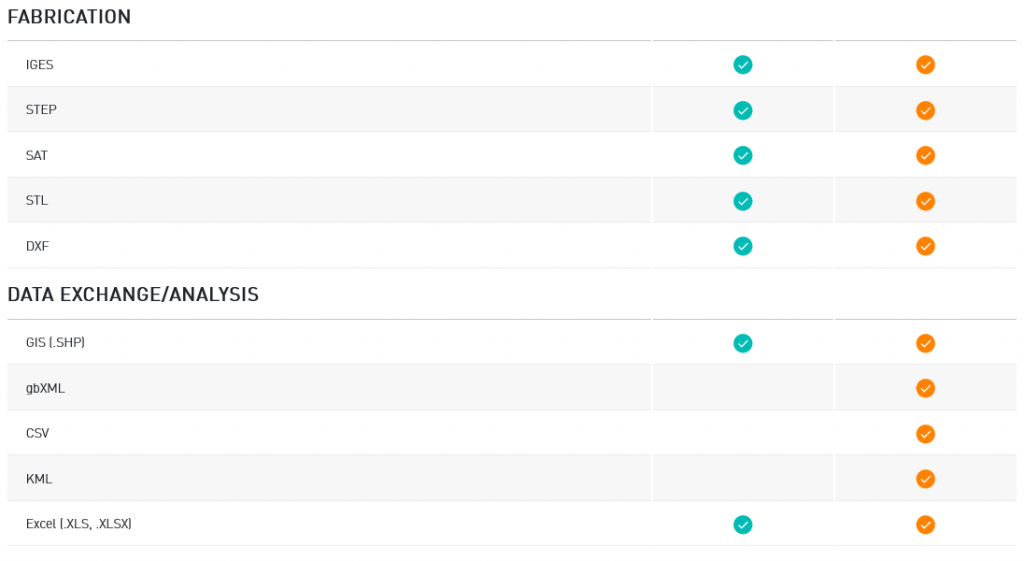
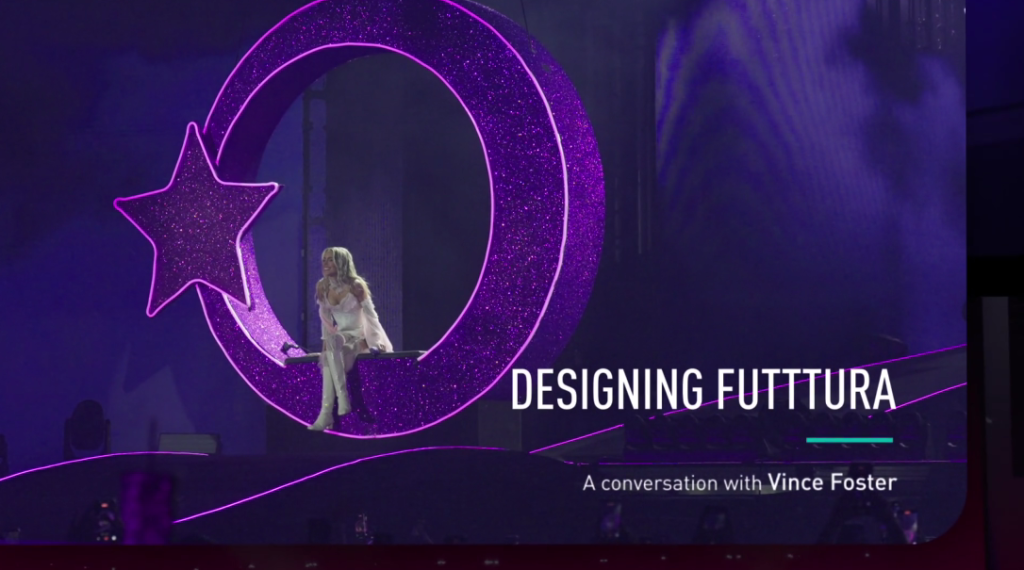
When we marvel at the visual spectacle of TINI’s “Futttura Tour,” we usually think about the art, rarely about the software that sustains that vision. However, for lighting and production designer Vince Foster and his firm, LightDesign.UK, the key to success wasn’t just the lights—it was the surgical precision of Vectorworks Spotlight.
One of the most critical points of the tour was the need to set up a three-stage spectacle in a car park with a steep slope in Buenos Aires.
This tour wasn’t a standard setup; it was an engineering challenge that pushed the software’s capabilities to the limit. Here is a breakdown of how Vectorworks served as the true “brain” behind the operation.
1. The Terrain Challenge: From Car Park to Global Stage
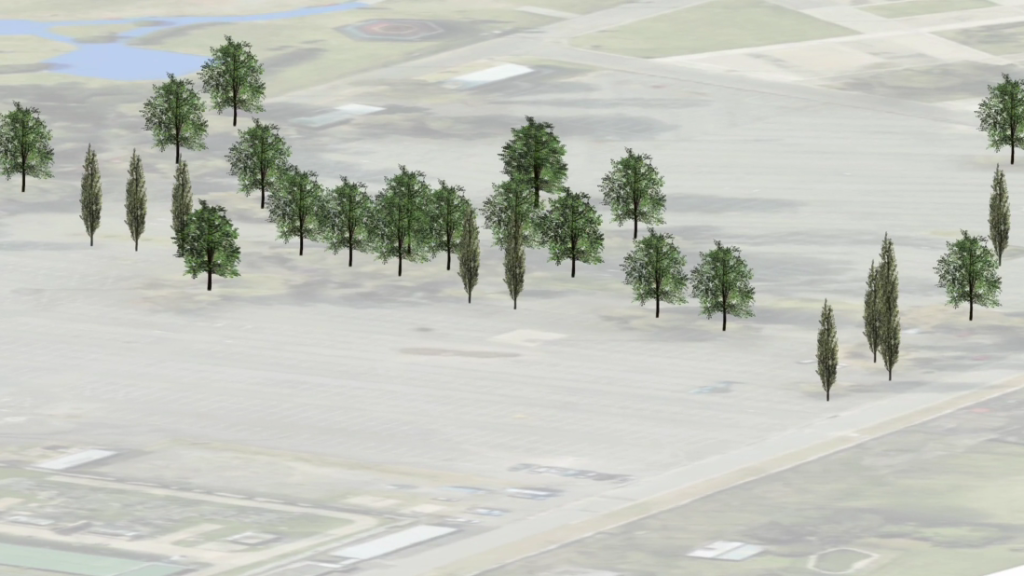
Rather than guessing or making improvised adjustments on-site, Foster used Vectorworks’ Site Modeling tools. This allowed the team to:
- Create an exact digital replica of the site’s topography.
- Calculate with millimeter precision the necessary height for the scaffolding and supports needed to level the three stages.
- Visualize how the massive structure would interact with the irregularities of the ground before the first cargo truck arrived.
2. Integrated Workflow: Scenery, Lighting, and Motion
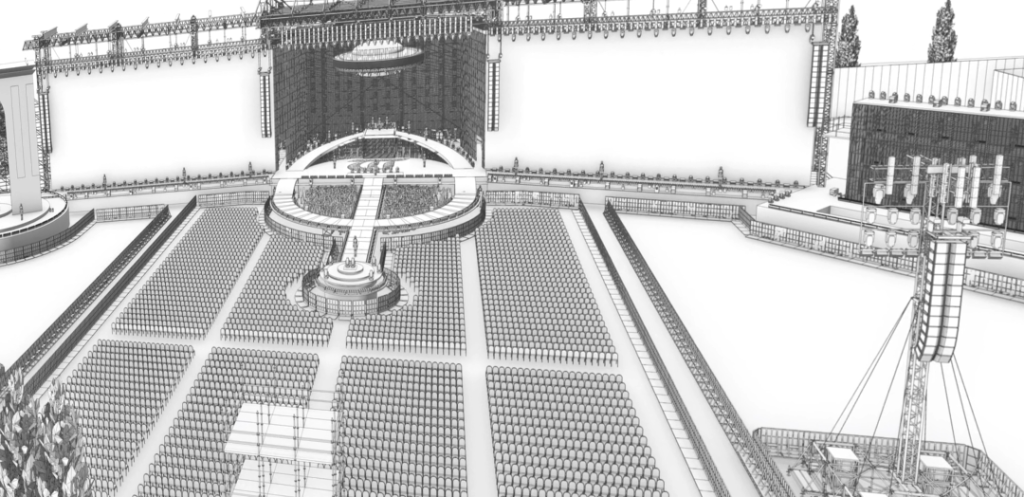
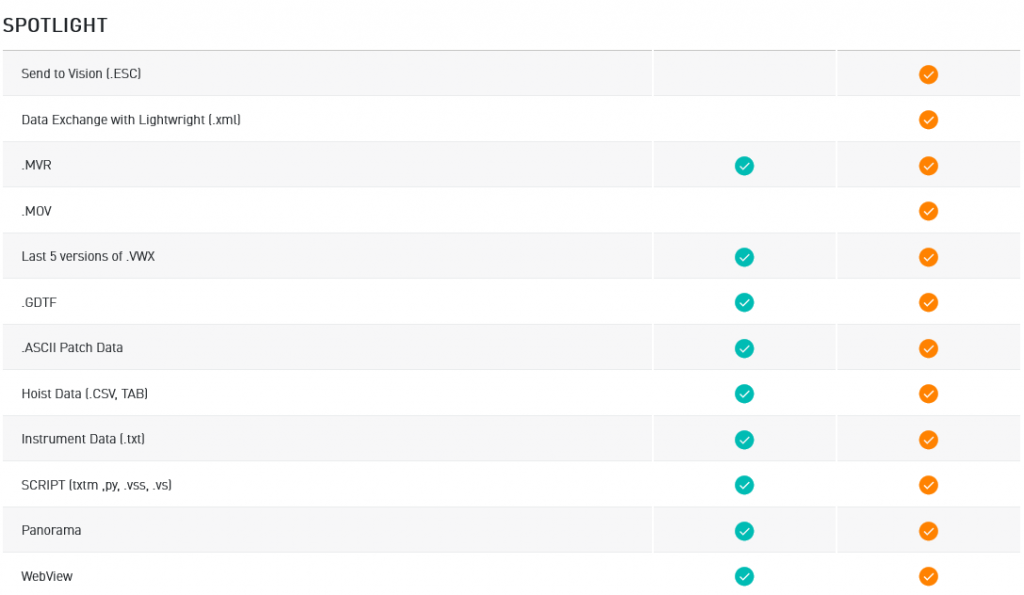
The magic of Vectorworks Spotlight lies in the fact that it is not just a drawing program, but a complete design ecosystem. For the “Futttura Tour,” this was vital to coordinate three key elements:
- Dynamic Lighting: Each fixture was inserted and aimed within the 3D model, allowing Foster to preview the exact light angles and coverage across all three stages.
- Data Management with ConnectCAD: As a production with immense cabling and signal infrastructure, the use of schematic tools ensured that the entire signal flow (from consoles to lights and screens) was perfectly documented and error-free.
- Scenic Synchronization: By integrating scenic elements, lighting, and automation systems into a single file, the team could ensure there were no physical collisions between moving lights and stage structures during the show.
3. Iteration and Flexibility: The Power of the Digital Twin
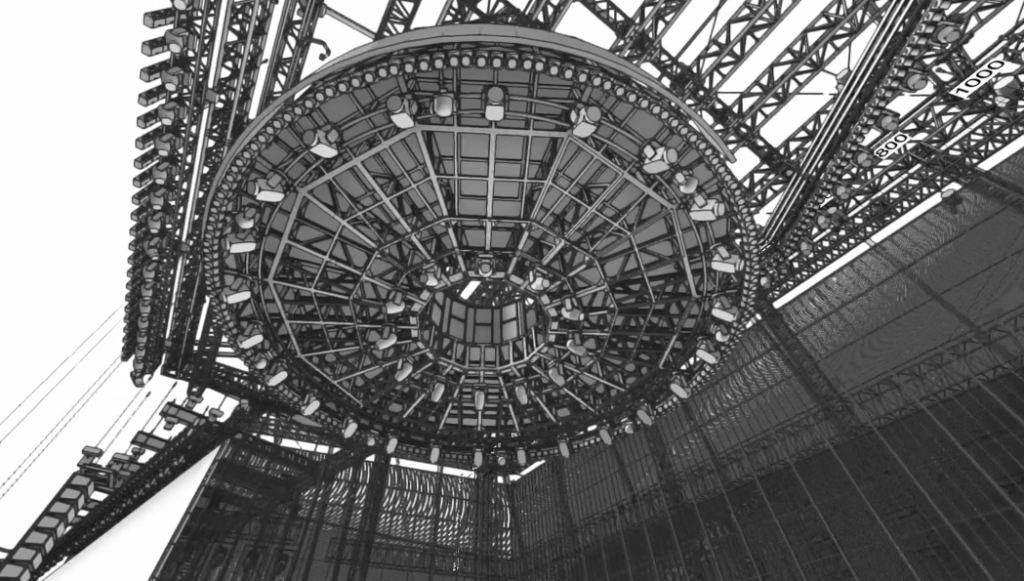
A show of this magnitude goes through constant last-minute changes. Vince Foster highlights that Vectorworks allowed the team to manage multiple design iterations seamlessly.
Thanks to the software’s ability to handle complex files with massive amounts of data, the team could make changes to truss layouts or LED screen configurations and instantly see how they affected the rest of the production. This “Digital Twin” of the tour saved hundreds of hours of manual labor and eliminated guesswork during load-in.
4. Braceworks: Safety Above All
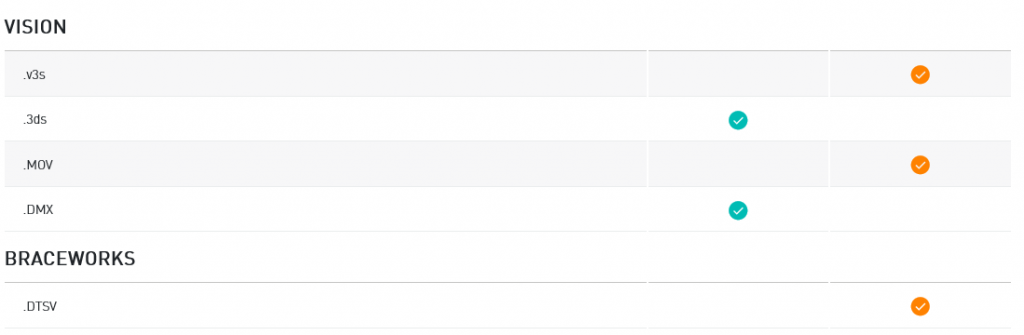
One cannot talk about a TINI tour without mentioning safety. With tons of equipment suspended above the artist and dancers, the integration of Braceworks within Vectorworks was fundamental. This tool allowed for structural load analysis directly on the design model, ensuring that every rigging point met international safety standards—a crucial step when working with such complex and unconventional stage designs.
Conclusion: The Industry Standard in Action
TINI’s “Futttura Tour” is the perfect example of why Vectorworks Spotlight is the gold standard in the entertainment industry. It’s not just about creating pretty drawings; it’s about a platform that allows the world’s most ambitious designers, like Vince Foster, to overcome geographical and technical obstacles to deliver an impeccable experience.
For stage design professionals, the lesson is clear: when creativity meets the technical precision of Vectorworks, the result is, quite literally, epic.